
How to use your media kit.
Your kit is ready. Here's how to get it in front of the people who book authors.
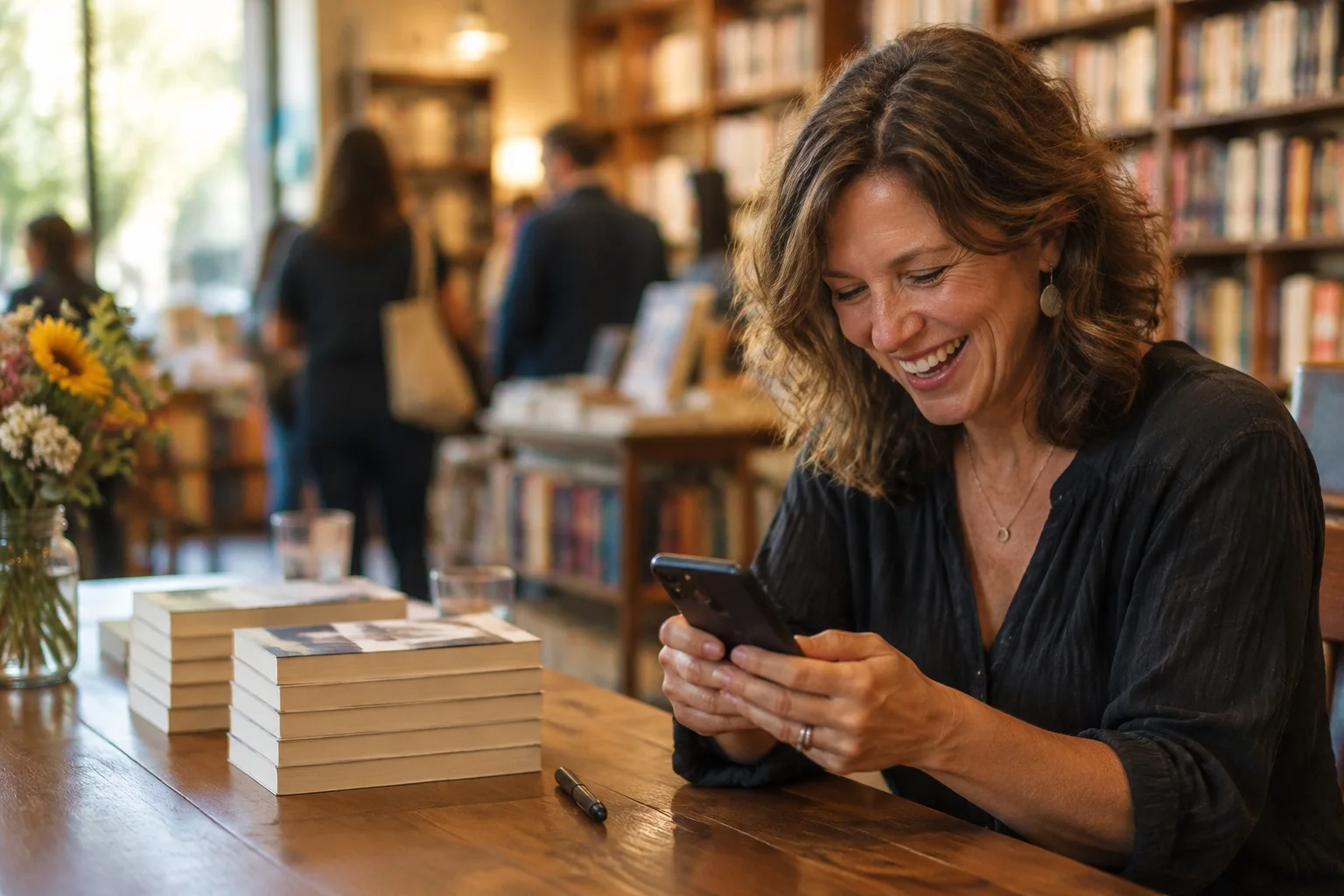
Send it. Share it. Print it.
Email it
Attach the PDF when you write to podcast hosts, bookstores, libraries and event planners.
A sentence you can copy
“I'd love to tell you more about my book. My media kit is attached, with everything you need in one place.”
Text it
Save the PDF on your phone. When someone asks, tap Share and send it in a text.
Put it on your website
Add a “Media Kit” button or page, and upload the PDF so visitors can download it.
Use the QR code
Your kit's contact page has a QR code to your book. Print it for signings and events so people can scan it.
Share it on social media
Take a screenshot of your kit's cover page and post it with a link to your book.
Bring printed copies
Print a few copies for events, libraries and bookstores. Leave one behind wherever you go.
- If you have the Pitch Pack
Your ready-to-send messages are waiting.
Pick one and send it today.
Open my Pitch Pack
Answers before you ask.
Before you buy
What do I need to start?
Your book's title and subtitle exactly as they're printed on the cover, your name as it appears on the cover, and a picture of your front cover (a JPG or PNG, at least 1000 pixels on its longest side). A photo of yourself is optional, but recommended.
Everything else you answer as you go: a category, your publication date and ISBN if you know them, a description of your book, a few lines about you, where to buy it and how to reach you.
How long does it take?
About 15 to 20 minutes. There are six short steps, and you can stop at any time.
Can I see my kit before I pay?
Yes. Building your kit is free. Before you pay, you see every page of your kit, made from your own answers, in the design and colour you chose.
The preview has a “Preview” mark across each page and some longer text faded out. Your paid kit has no marks.
What's the difference between $149 and $189?
$149 gets you your Author Media Kit as a print-ready PDF.
$189 adds the Pitch Pack: 18 ready-to-send messages written from your answers, plus a 4-week sending plan. You can edit them, copy them, open them in your email, or download them as a PDF.
Bought the $149 kit and want the Pitch Pack later? You can add it for $40 from your download page, any time in your 12 months.
What's in the Pitch Pack?
18 messages that get you booked. You have a media kit. The Pitch Pack is what you say when you send it.
Podcast hosts, bookstores, libraries and event organizers each get three messages: a first pitch, a follow-up if there's no reply after a week, and a thank-you after it happens.
Plus six more: a book club visit (in person or by video), a local news pitch, a review request for reviewers and bloggers, a school or college visit, a friendly note asking readers for an Amazon review, and a short social media message for Instagram, Facebook or LinkedIn.
It comes with a 4-week sending plan: who to contact first, when to follow up, and how many to send each week.
Every message is written from your own answers, with nothing made up. Blanks like [Host's name] are highlighted for you to fill in.
Can I get a refund?
All purchases are final, because you see your whole kit before you pay. Please check the preview carefully before you buy.
You can read the full Terms of Purchase.
Is my information private?
Yes. Your answers and pictures are saved to your account, and only you can see them. Your pictures are kept in private storage, not on a public page.
To write your kit's text, the builder sends your answers to an AI writing service. It uses only what you typed into the builder.
Payment is handled by Stripe. We never see your card number.
Building your kit
Is my progress saved?
Yes. Your answers save as you go. Sign in with the same account, and you'll pick up right where you left off.
Find my book can't find my book.
Find my book looks in free public book catalogs. New books can take a few weeks to show up, and some never do.
Try your ISBN instead of the title. If it still can't find it, choose “None of these” and type your details yourself. Nothing is lost.
The Next button won't let me continue.
Look for the message in red under a box. It says what's missing and how to fix it. Tapping Next takes you straight to that box.
Web addresses don't need “https://” and phone numbers can be written any common way.
I don't know my Amazon link.
If you've added your print ISBN, tap “Find my book on Amazon” and the builder makes the link for you. Open it to check it's your book.
Otherwise, open your book on Amazon, copy the web address from the top of the page, and paste it in. The Amazon link is optional if you list another place to buy your book.
How many AI rewrites do I get?
The builder writes your kit's text once from your answers. After that you get 3 rewrites for the whole kit, one section at a time. Don't like a change? Tap Undo to go back one step.
When your rewrites are used up, you can still change any of the text by hand, as often as you like.
The Pitch Pack has its own: written once, then 10 rewrites across its 18 messages, one message at a time, plus your own edits.
Pictures
I don't have my cover file.
No problem. Find my book may bring in your cover from a book catalog, if it's large enough to print well.
You can also choose “Take a photo of my book”. On a phone it opens your camera, and then you crop the photo to the cover.
Or choose “Add my cover later”. You can finish every other step, but you'll need a cover before you can pay.
My upload won't finish on my phone.
The builder shrinks and converts phone photos for you, including iPhone photos. If an upload stops moving for about 20 seconds, it stops and offers “Try again”.
Move somewhere with a stronger connection or Wi-Fi and try again. Still stuck? Take a screenshot of your cover and upload the screenshot.
It says my picture is too small.
Your cover needs at least 1000 pixels on its longest side to print sharply. Use the original file from your cover designer, or take a new, close-up photo of your book.
Payment and download
I paid, but my kit didn't unlock.
It usually takes a few seconds. Keep the page open: it checks your payment every couple of seconds and opens your kit as soon as it's confirmed.
If you closed the page, open your download page signed in with the same account. It checks again. Opening it never charges you again.
I didn't get my receipt email.
Your receipt goes to the email address you used at checkout, usually within a few minutes. Check your spam or promotions folder.
You don't need the email to get your kit. It's always on your download page.
How do I download my kit again?
Open your download page, signed in with the same account, and tap Download. You can download as often as you like for 12 months.
Have more than one kit? Pick the one you want from “Your media kits” first.
Which file formats do I get?
Your kit is one print-ready PDF, named after your book, such as “Your Title - Media Kit.pdf”. Its links stay clickable.
With the Pitch Pack you also get “Your Title - Pitch Pack.pdf”, one message per page. Need a picture for social media? Take a screenshot of a page.
After you've paid
How long do I have access?
12 months from the day you pay. In that time you can change your kit and download it as often as you like.
After that, changes and downloads close. Any kit you've downloaded is yours to keep and use, so download your latest version before your time is up.
Can I change my design or colour after paying?
Yes. Go back to the design step, pick a different design or colour, and download again. You can do this as often as you like for 12 months.
Can I edit my answers after paying?
Yes, everything except your title, subtitle, name on the cover, ISBN and front cover. Your changes show up the next time you download.
Your written sections don't rewrite themselves when you change an answer. Edit them by hand, or use a rewrite if you have any left.
Why can't I change my title or cover after paying?
Each media kit is for one book. Once you've paid, your kit stays for that book: you can fix small typos, but not switch to a different book.
Your front cover stays as it is, and your ISBN can only be corrected if it's a typo of the same number.
I made a typo in my title.
You can fix it yourself. Go to step 1, correct your title, subtitle or name, and tap outside the box. You'll see “Correction saved.”
Small fixes are fine: a few letters, capitals, punctuation, or a word added or taken out. A completely different title isn't accepted, because each kit is for one book.
An ISBN typo works the same way on step 3: one wrong digit, or two digits swapped.
If your written sections mention the old spelling, change those by hand on the review step.
Can I use it for a second book?
Yes, from the same account. Each Author Media Kit is for one book, so a second book needs its own kit, bought separately at the normal price ($149 or $189).
Once your first kit is paid for, start a new Author Media Kit. It starts empty, with its own checkout.
Each kit has its own 12 months, downloads, rewrites and Pitch Pack. Nothing carries over from one kit to the other. When you have more than one, the builder shows “Your media kits” so you can switch between them.
Using your kit
How do I send it by email or text?
Email: attach the PDF to your message, just like a photo. Text: save the PDF on your phone, tap Share, and send it in a text.
There are more ideas on How to use your media kit.
Can I put it on my website?
Yes. Upload the PDF to your website and add a “Media Kit” button or page that opens it. The links inside your kit stay clickable.
What's the QR code for?
It takes people straight to your book's Amazon page, or to your website if you didn't add an Amazon link. It appears when you've added one of those links.
Print your kit for signings and events, and people can scan the code with their phone's camera. In the PDF, the code can also be clicked.
Your book deserves to be seen. Go get booked.
—Self Publish Me